

.png)
.png)
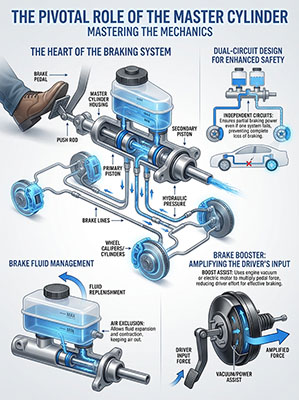
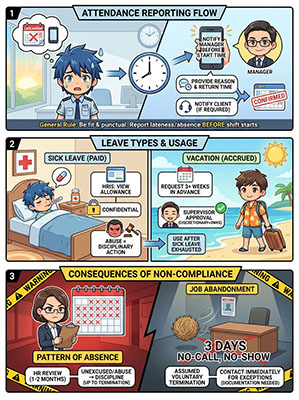
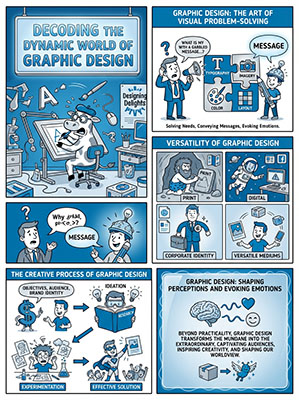
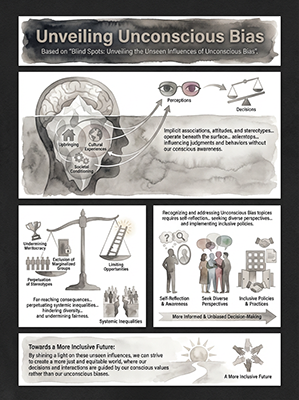
Even Technical Content Can Be Explained Simply
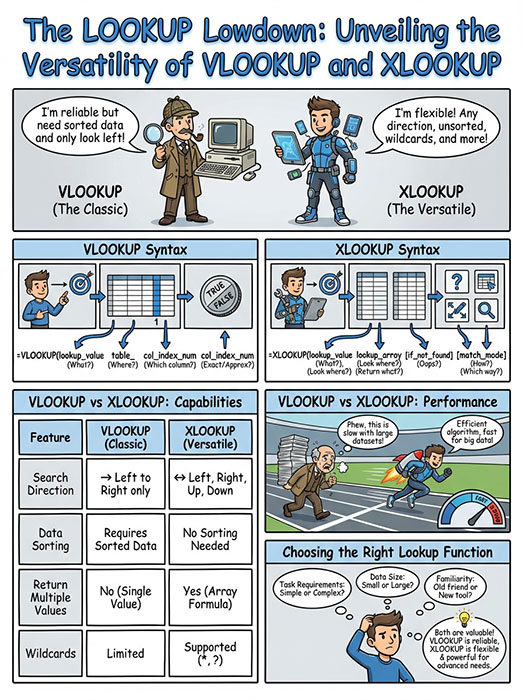
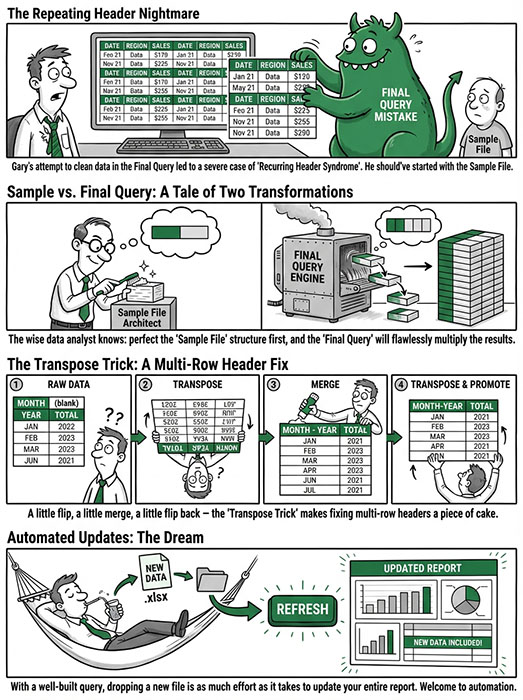
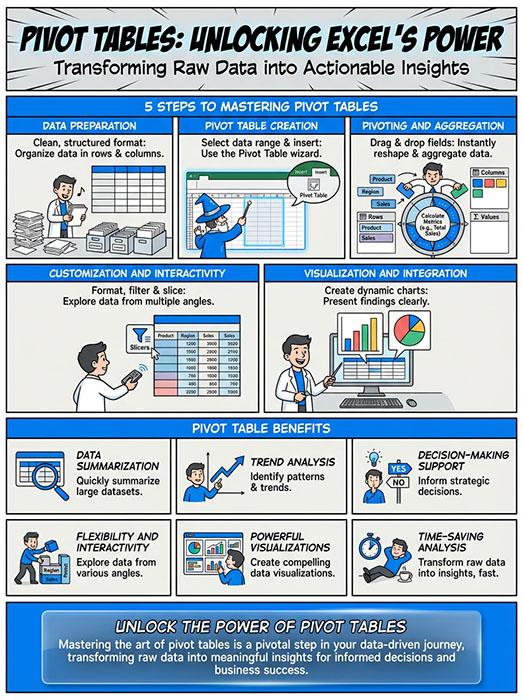
Create an Infographic on Any Topic in Just a Few Clicks
Teachers, content creators, designers, and other professionals
have all made LearnBetter their go-to design tool.
Making Infographics Has Never Been This Fast or This Easy!
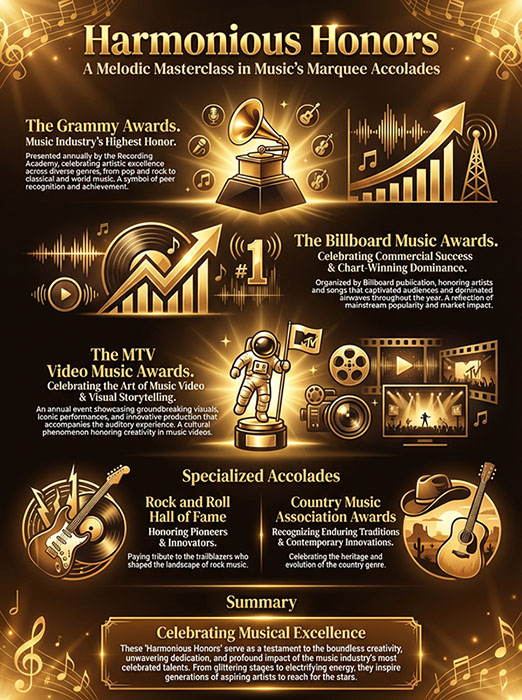
STEP 1: Choose Your Source of Truth
Start with where your content lives. Choose from five convenient sources, which will be used to shape the messaging and structure of your infographic.
Keyword or Topic
File Upload
Paste Your Own Text
YouTube Link
Website URL
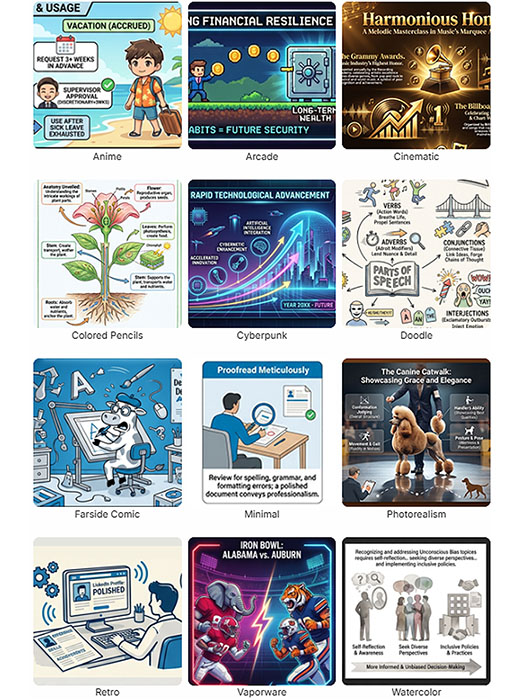
STEP 2: Pick a Style
This is where your content really comes alive. The style you choose shapes the tone, layout, and visual personality of the infographic, making each one feel intentional, engaging, and uniquely yours.
Preset Styles
Choose from 12 diverse, ready-to-use styles. Perfect when you want something polished and proven, fast. Just pick one and go.
Create Your Own
Describe a style you have in mind if you don’t see one you like. Great for recreating a specific look or vibe so the final result matches what you’re imagining.
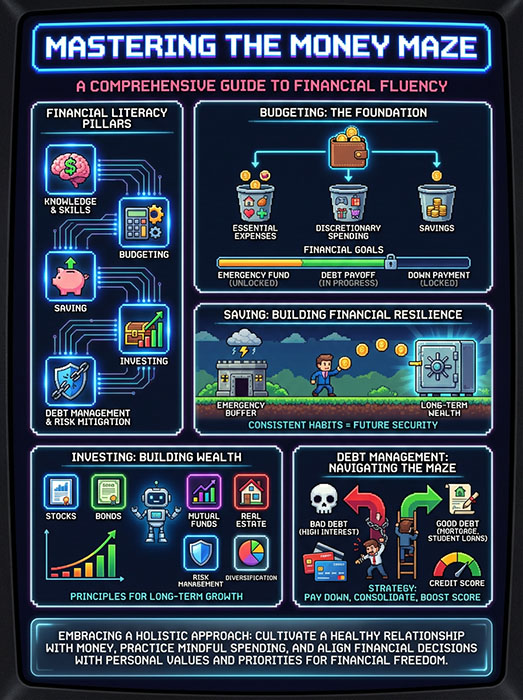
STEP 3: Select Your Settings
Wrap things up with a few quick choices. Select the orientation that fits how you’ll use it- portrait for one-pagers or handouts, landscape for presentation slides, or square for social media posts on LinkedIn, Instagram, and more.
You can also have the infographic translated into any language, as well as provide a brand color, if desired.
We Make Pricing Make Sense
$15
What’s included
20 infographics per month
Content sources: Keyword and Paste Text
Access to all 12 preset styles
Portrait orientation (3:4)
$45
What’s included
80 infographics per month
Content sources: Keyword, Paste Text, File Upload and YouTube link
Access to all 12 preset styles plus custom styles
Portrait (3:4), Landscape (16:9), and Square (1:1) orientations
Language Translation
Option for custom brand color
$75
What’s included
160 infographics per month
All features included in the Plus plan
BEST savings per infographic
What People Are Saying About LearnBetter

“I’m not a designer, at all, but LearnBetter makes my presentations look like I am. It just works wherever I need it. My professors have definitely noticed.”

“This tool shaved hours off my workflow. I can drop in an SOP or paste content from a course outline and get a clean, clear infographic in under a minute. It’s intuitive in a way most tools claim to be… but aren’t.”
.svg)
"Honestly, I was skeptical at first. I make visuals for a living, but LearnBetter is great when I need something fast that still looks polished. Clients think I spent way more time on these than I actually did."
.svg)
“I love how flexible it is. Some days I use presets, other days I tweak my own style so everything stays on-brand. The end result always looks intentional, which is rare for tools this fast.”
.svg)
“I can turn dense training content into something people actually want to read and engage with. Upload a policy, pick a style, done. It’s fast, clean, and produces high quality work in seconds. Great for impressing stakeholders while in a crunch.”
.svg)
“I use LearnBetter for personal projects more than anything. Learning new topics, breaking them down visually, sharing them with friends. It saves me time, money, and honestly a lot of frustration.”
.svg)
“We used to outsource simple visuals or burn internal time trying to make them look right. LearnBetter replaced all of that. The speed alone is worth it, but the results are what really sold us.”
.svg)
“I use Learn Better almost every week now. My students actually stop and look at the visuals instead of zoning out. I’ve even started translating some infographics into Spanish, which has been huge for my classroom.”
.svg)
“LearnBetter feels like a cheat code. I’ll turn a YouTube video or an idea into an infographic, post it to LinkedIn or Instagram, and people always ask who designed it. I usually just smile and change the subject.”
FAQs
However, when you change plans, you lose access to your previously generated infographics, so please ensure you download anything that you need first.
Create in minutes what would have taken days!
LearnBetter helps you achieve the three things that matter most- Effectiveness, Engagement, and Speed to Market.
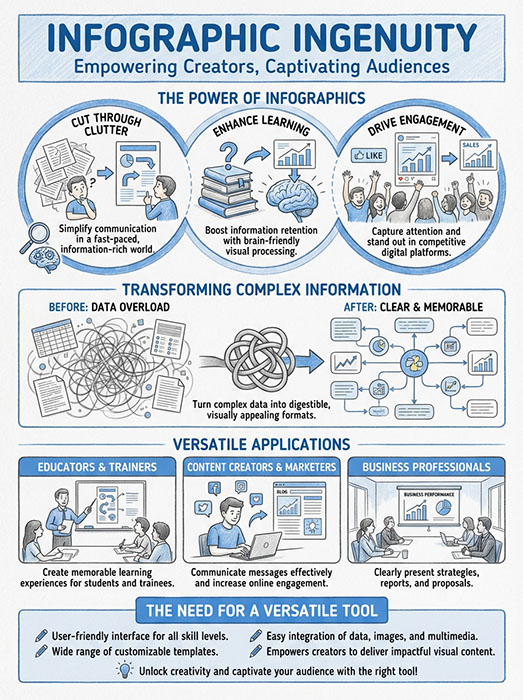
See What's Possible with LearnBetter
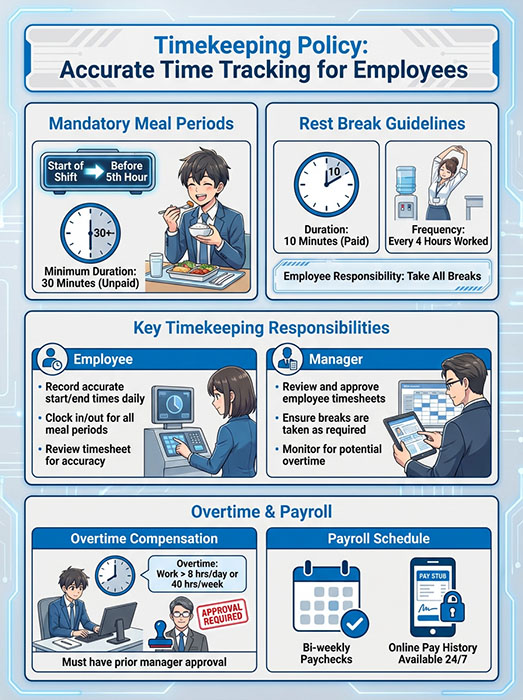
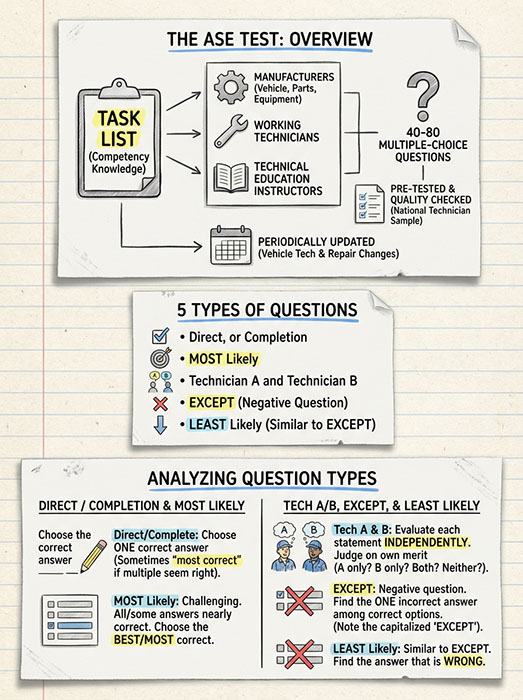
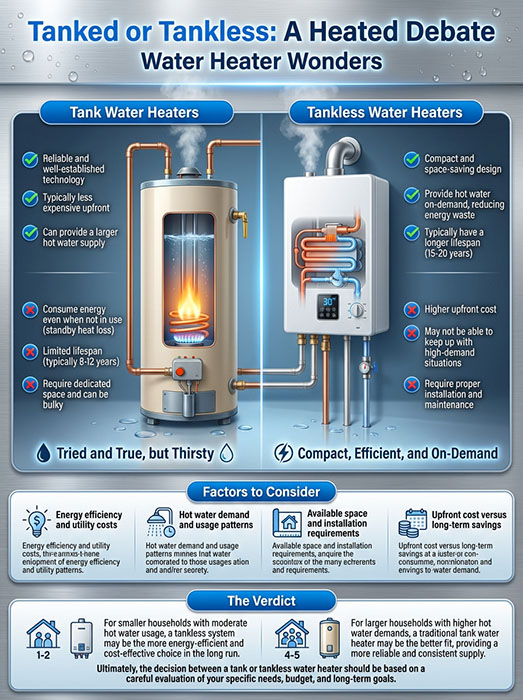
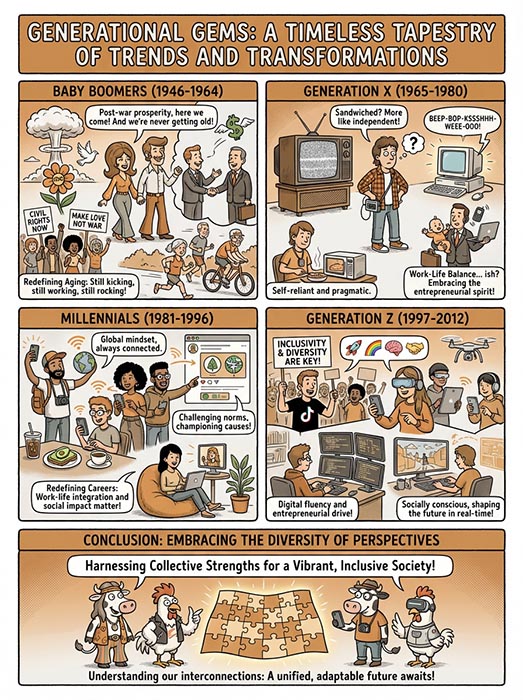
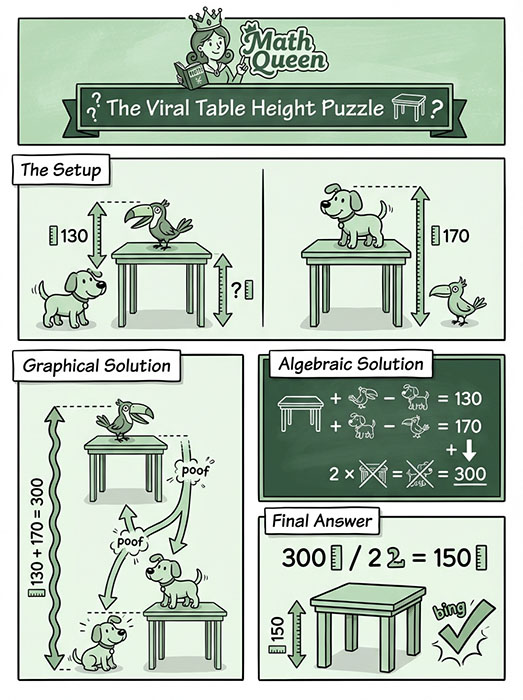
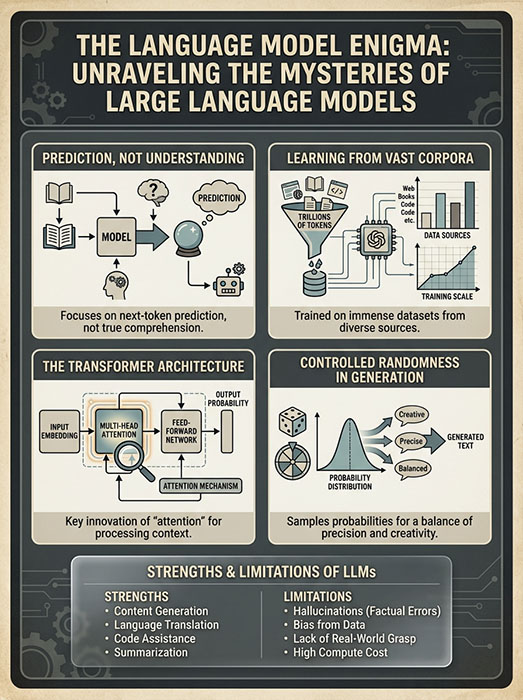
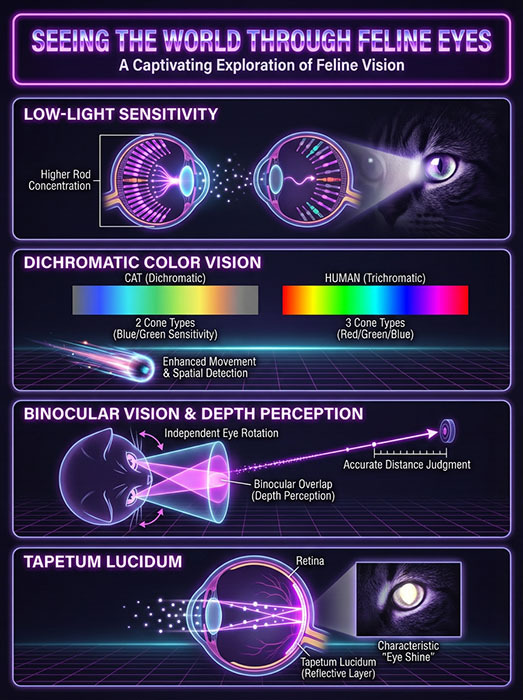
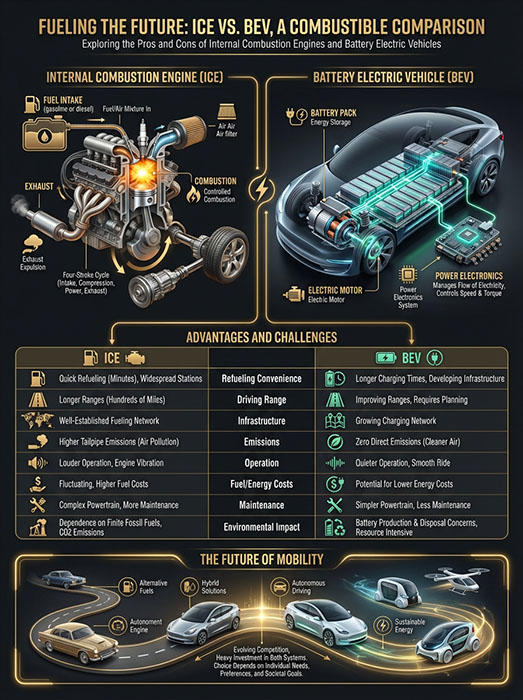

.png)